Here are some self-use macOS/iOS shortcuts
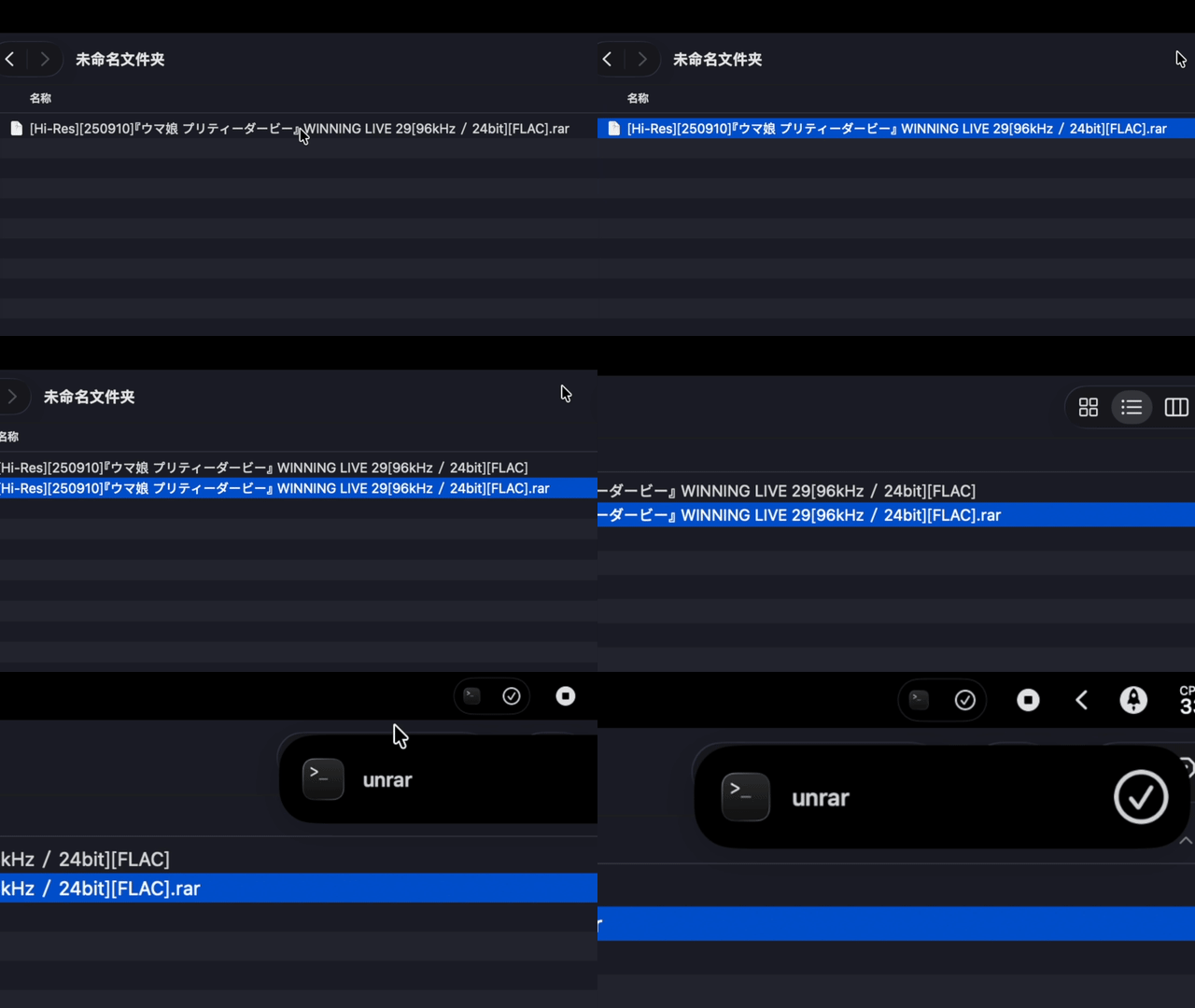
[macOS] Double-Click to Extract RAR
Provides a native-like extraction experience. Double-clicking extracts files into a folder named after the archive within the current directory. If the archive is encrypted, it will prompt you for a password.
Setup:
- Requires
sevenzipinstalled viabrew, or you can manually update the7zpath in the script. - After adding the shortcut, save it as an .app (Export to your Dock).
- Right-click a
.rarfile, select Get Info (Cmd+I), and set “Open with” to your unrar shortcut app.
[IOS] Multi-functional Action Button
A context-aware shortcut designed for the Action Button. You can easily customize these triggers to fit your needs:
- Held Up (Screen facing you): Launches the Camera.
- Flat (Screen facing up): Opens the Alipay Payment Code.
- Face Down (Screen facing down): Automatically starts a voice memo tagged with your current location.